
Tips for Printing High-Quality Coloring Pages with Your Home Printer
2026-03-05•editAI Coloring Book: To Me Team
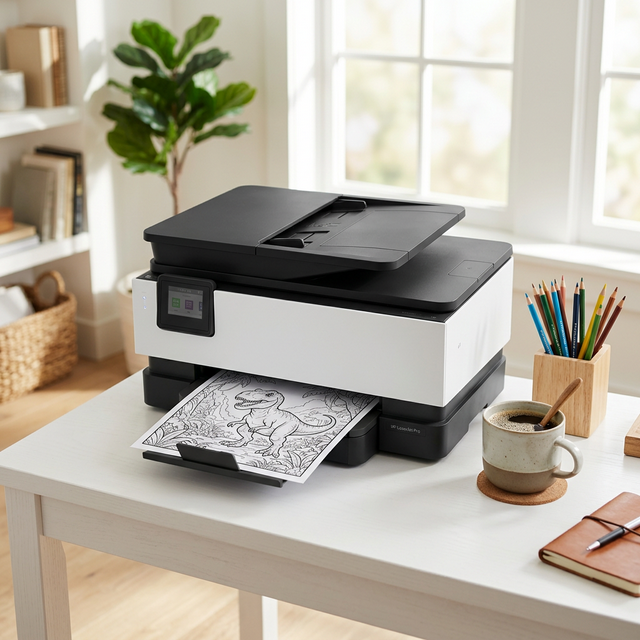
1. Check File Format and Resolution
The designs from our service are high-resolution files, maintaining clear lines without pixelation. It's best to use the downloaded file directly.
2. Paper Choice is Key
We recommend slightly thicker offset paper (100g-120g) over standard copy paper (75-80g). It prevents bleed-through and resists tearing when children apply pressure.
3. Optimizing Printer Settings
- Black and White Mode: Set to 'Black & White' or 'Grayscale' to save color ink.
- High Quality Setting: Choosing 'High Quality' or 'Photo' mode instead of 'Standard' provides much sharper outlines.
- Remove Margins: Select 'Fit to Page' to fill the entire paper without wasted space.
Print the latest designs from AI Coloring Book: To Me today and create a special coloring book for your child!